
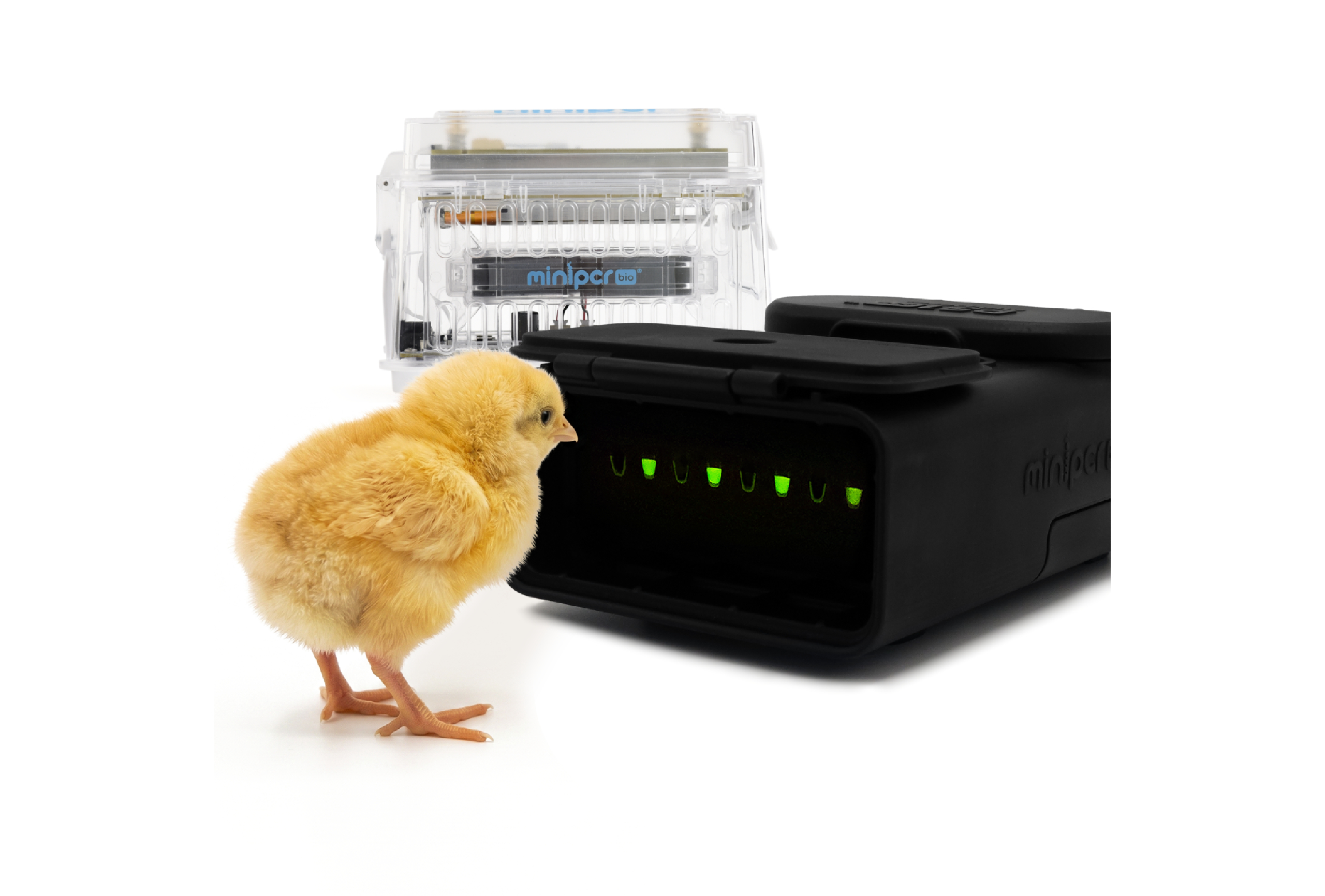
What is chickView?
chickView DNA Sex Test is a fast, user-friendly, on-farm DNA test designed to identify female chickens (pullets). Simply look for the glow: female samples glow green, while male samples do not.
How to Run chickView
Watch our short video tutorial and catch up on our previous blog post to see the workflow in real time!
Get results in just 1 hour with under 10 minutes of hands-on prep:
- Mix reagents: Combine Reagent A and Reagent B in equal parts and aliquot into PCR tubes.
- Add sample: Touch the dried spot with a GeneWand™ stick and dip it directly into the reaction mix.
- Amplify: Run the protocol on your miniPCR® thermal cycler (pro tip: use the AutoStart function)
- Visualize: Pop the tubes into the P51™ viewer, and read results instantly.
What You Need to Get Started
- First-time setup: Grab the chickView™ Workstation, a complete bundle containing all required hardware and your first test kit. Choose between the mini8X (8 tests per run) or the mini16X (16 tests per run) depending on your flock size and throughput.
- Refills:
- The kit: Order the chickView™ DNA Sex Test (32 tests per kit), which includes all necessary reagents and supplies.
- Filter tips: Each run uses approximately two-three 200 µL filter pipette tips, so restock a box roughly every 8 kits.